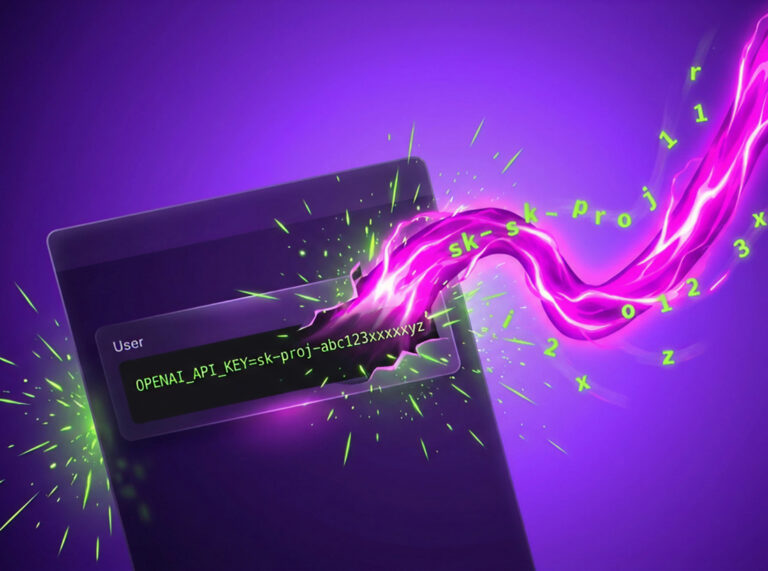

An employee pastes a production API key into the ChatGPT browser. No alert fires. No policy catches it. The key is now in a third-party model’s logs, and nobody knows.
This is the gap. AI assistants are the most-used tool in your company with the least visibility into it. People paste code, credentials, and customer data into them all day because it makes things faster. Most of it is fine. Some of it is a breach waiting to be found.
Entro WebGuard closes the gap. It scans every prompt before it leaves the browser and blocks secrets and PII from reaching AI tools, in real time, across all major LLMs.

Key takeaways
- Real-time scanning. Entro WebGuard scans every prompt in the browser before it reaches an AI tool, and blocks secrets and PII in real time, across all major LLMs.
- Two checkpoints. It checks content while the user types and again on the full prompt at send, including text pulled from attached files.
- Three response modes. Every detection is set to block, prevent (warn), or audit, so teams can start permissive and tighten policy as they learn.
- Full audit trail. WebGuard logs every scan, including bypassed warnings, and forwards redacted events straight to your SIEM.
- Zero friction on clean prompts. WebGuard stays silent unless it finds something, so security teams get visibility without slowing anyone down.
See it in action
Catch sensitive data before it ever reaches the model
WebGuard detects secrets and PII the moment they appear in the prompt, then validates and classifies them through the Entro platform. So you don’t just get a vague “this looks risky” warning. You see exactly what was caught: a GitHub token, an AWS access key, a Stripe key.
It checks at two points. While the user types, and again on send, when it scans the full outbound prompt. That includes text pulled from attached files, so a secret buried in an uploaded config gets caught the same as one typed into the box. Nothing slips through because it came in the side door.
You decide what happens next
Detection only matters if you control the response. Every detection type, secrets and PII alike, gets one of three actions.
Block stops the request cold and redacts the sensitive content from the field.
Prevent shows a warning and lets the user cancel or proceed, logging whatever they choose.
Audit lets the request through and quietly records it.
That range matters because no two teams are in the same place. Block private keys outright. Warn on email addresses while you tune. Audit IP addresses to watch the pattern before you commit. Start permissive, tighten as you learn.
A real audit trail
WebGuard logs every scan: timestamp, action taken, what was found, and whether a user clicked past a warning. That last one is what auditors care about. When someone proceeds anyway, you have a record of the decision and who made it.
You can forward those events straight to your SIEM, with secrets and PII already redacted, so the log itself never becomes the leak. Every block, warning, and bypass lands in the same place you watch everything else.
Built to stay out of the way
The fastest way to kill a security tool is to make it annoying. WebGuard stays silent on clean prompts. No banner, no confirmation, no friction when there’s nothing to catch.
People only see it when it has something real to say, which is exactly when you want their attention.
That’s the difference between a control people route around and one they forget is running.
FAQ
What is Entro WebGuard?
Entro WebGuard is a browser-level control that scans prompts before they reach an AI tool, and blocks secrets and PII from leaking into ChatGPT, Claude, Gemini, and other LLMs in real time.
How does Entro WebGuard detect secrets and PII?
It scans prompt content while the user types and again on send, validating and classifying anything it finds through the Entro platform. Instead of a vague risk score, you see exactly what was caught, a GitHub token, an AWS access key, a Stripe key.
What actions can WebGuard take when it finds something?
Every detection gets one of three actions: block (stop and redact), prevent (warn, then let the user decide), or audit (log silently). Teams can mix actions by data type and tighten policy over time.
How do I set up Entro WebGuard?
WebGuard deploys as a browser extension across your organization, with no lengthy onboarding. Once installed, it’s already watching for secrets and PII across all major LLMs.